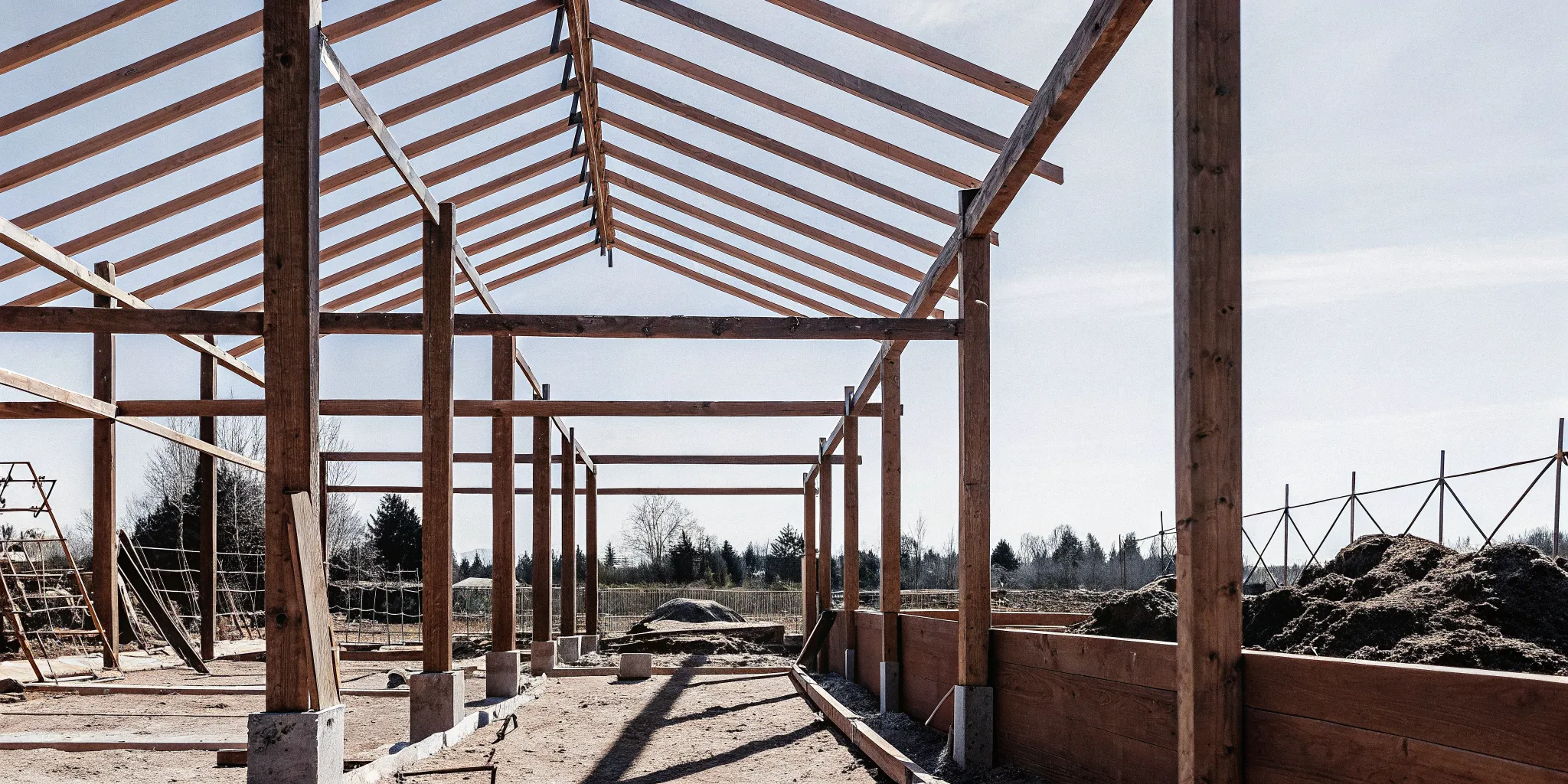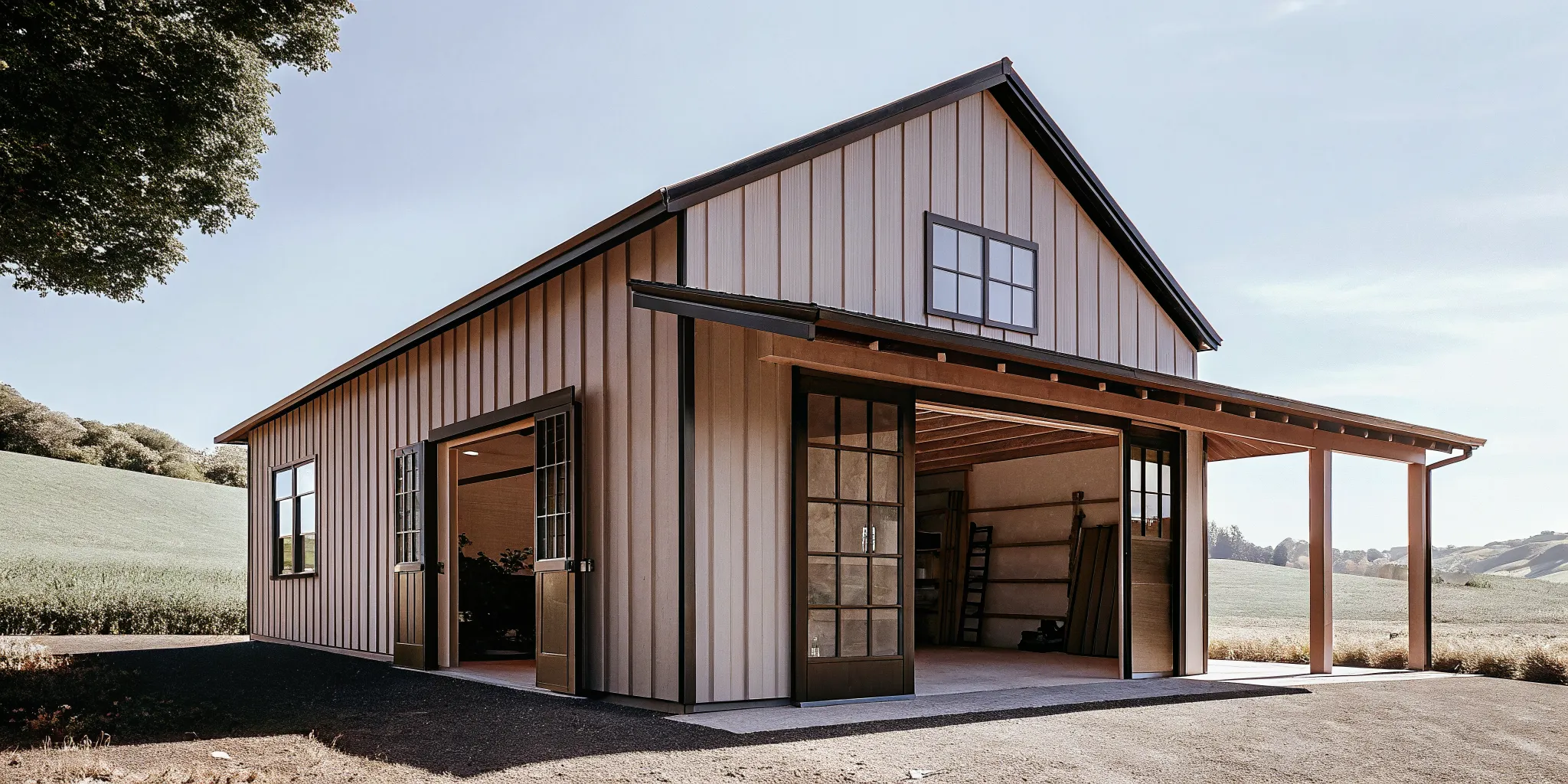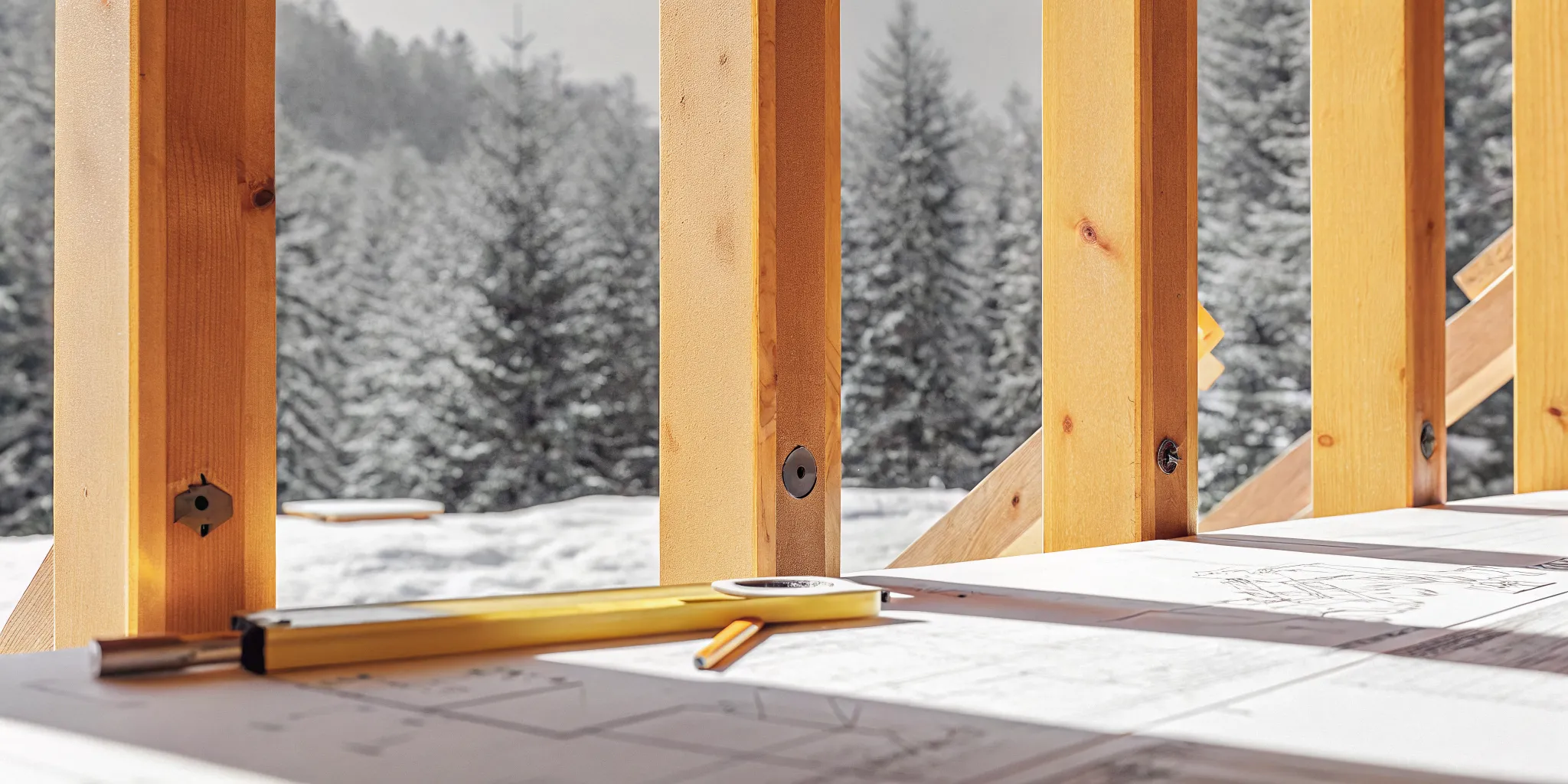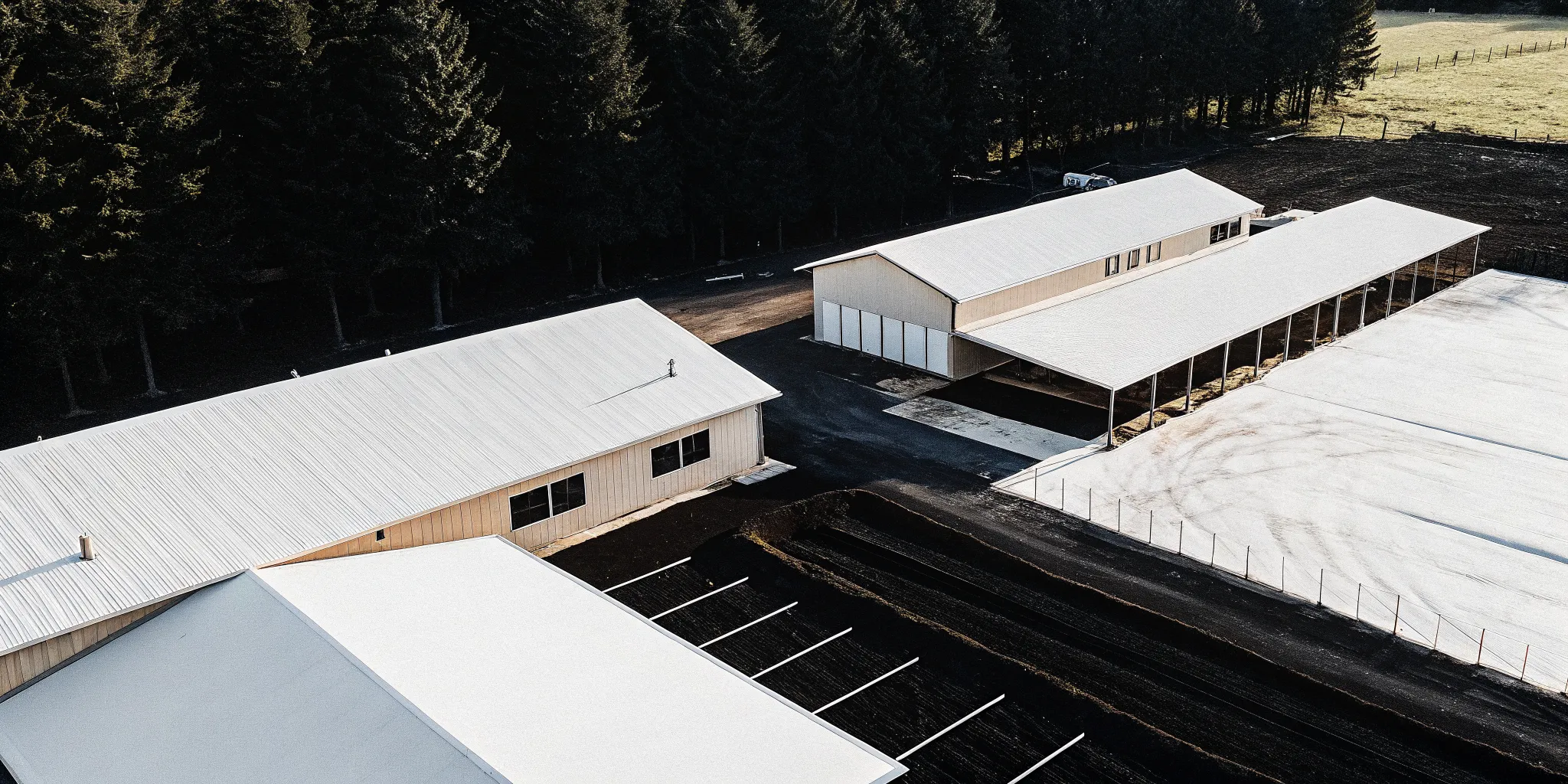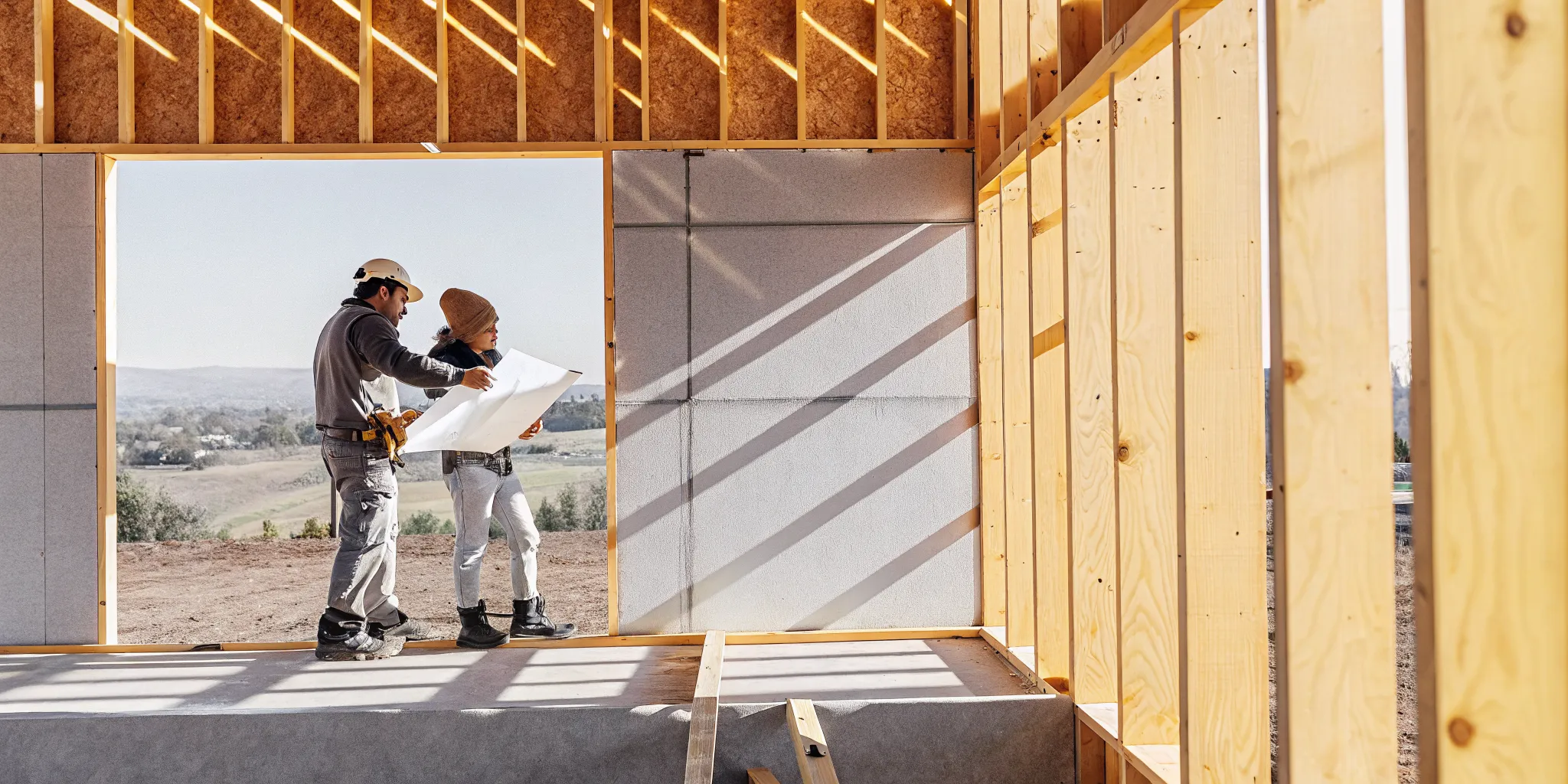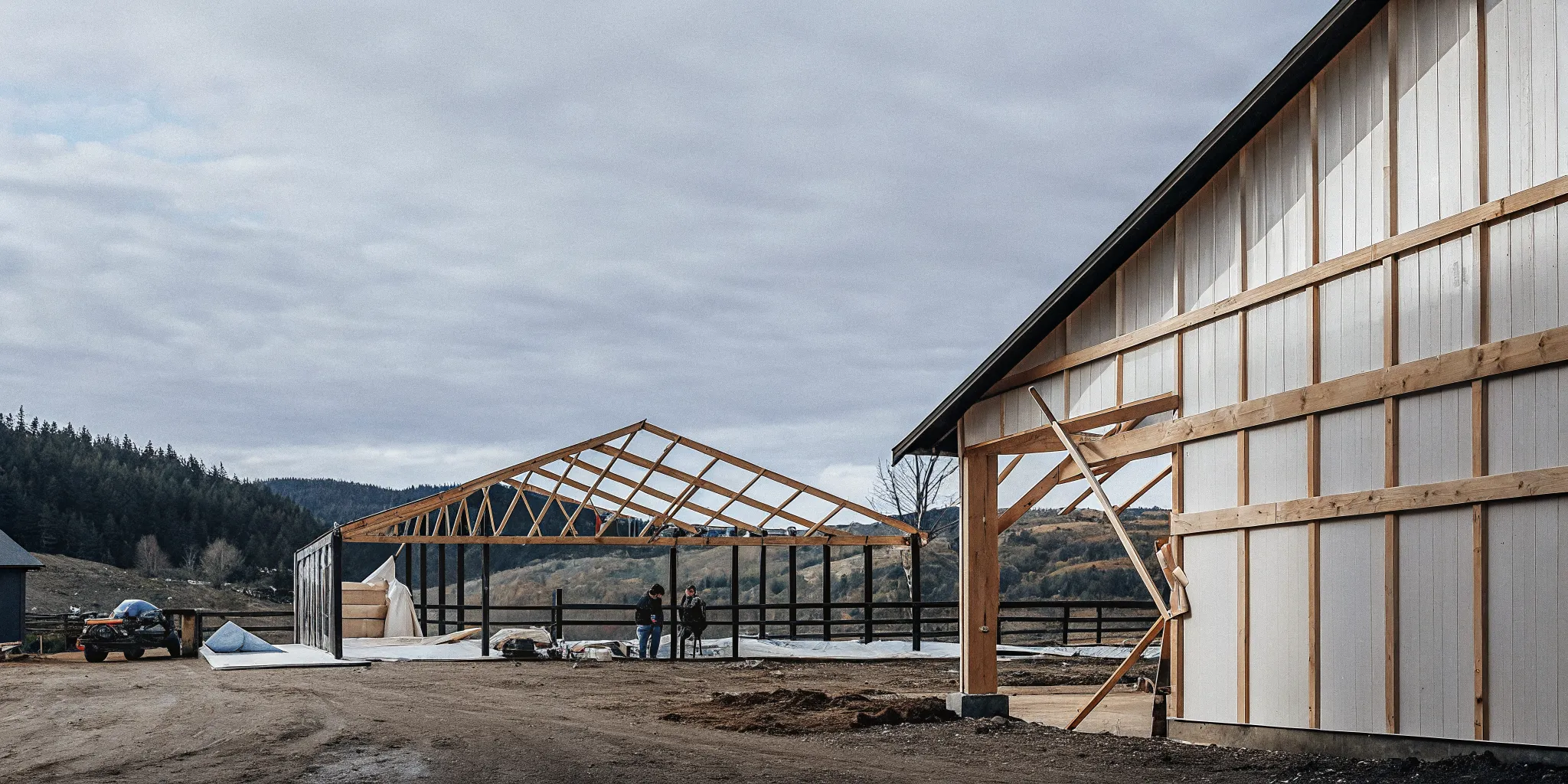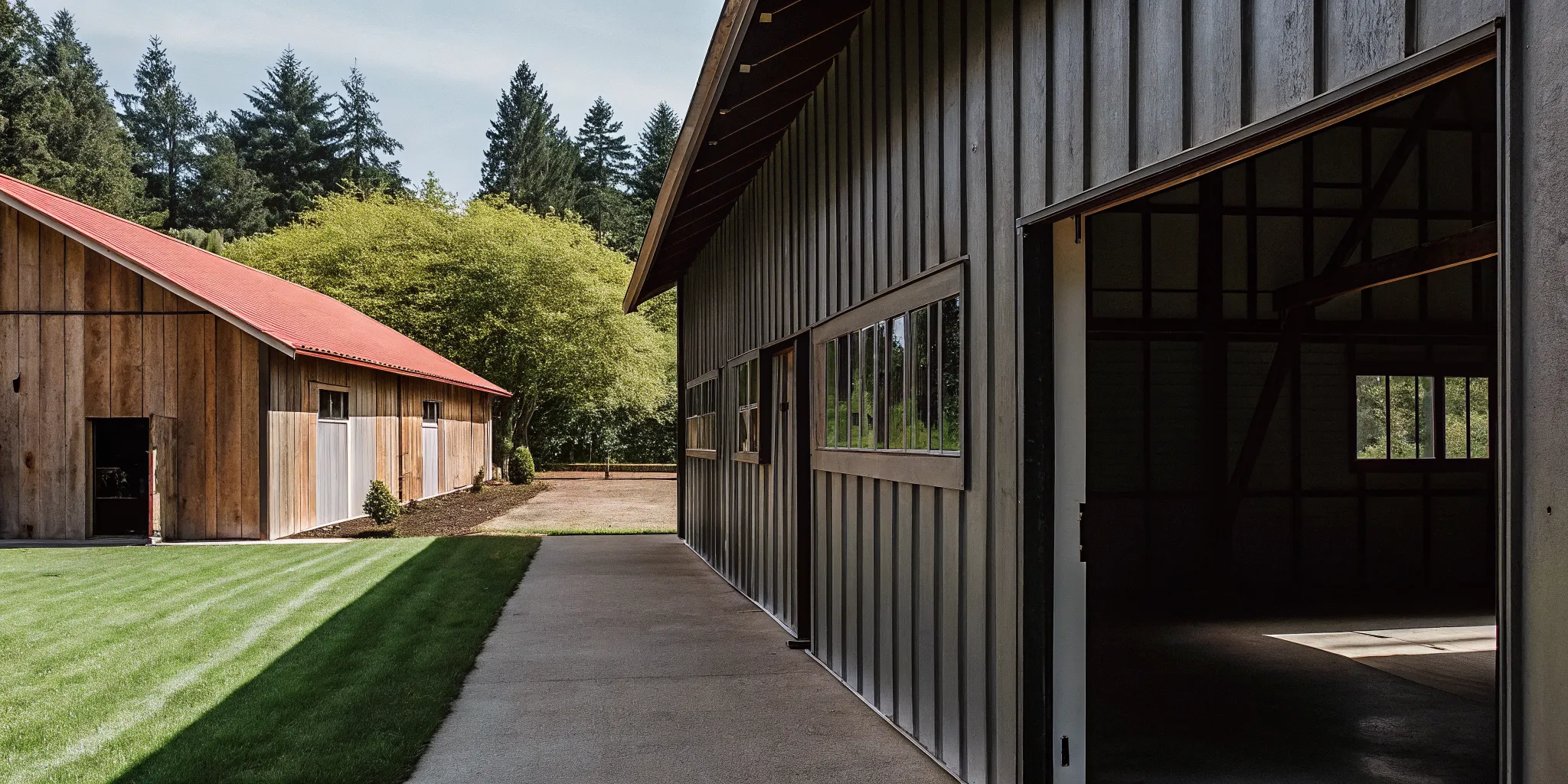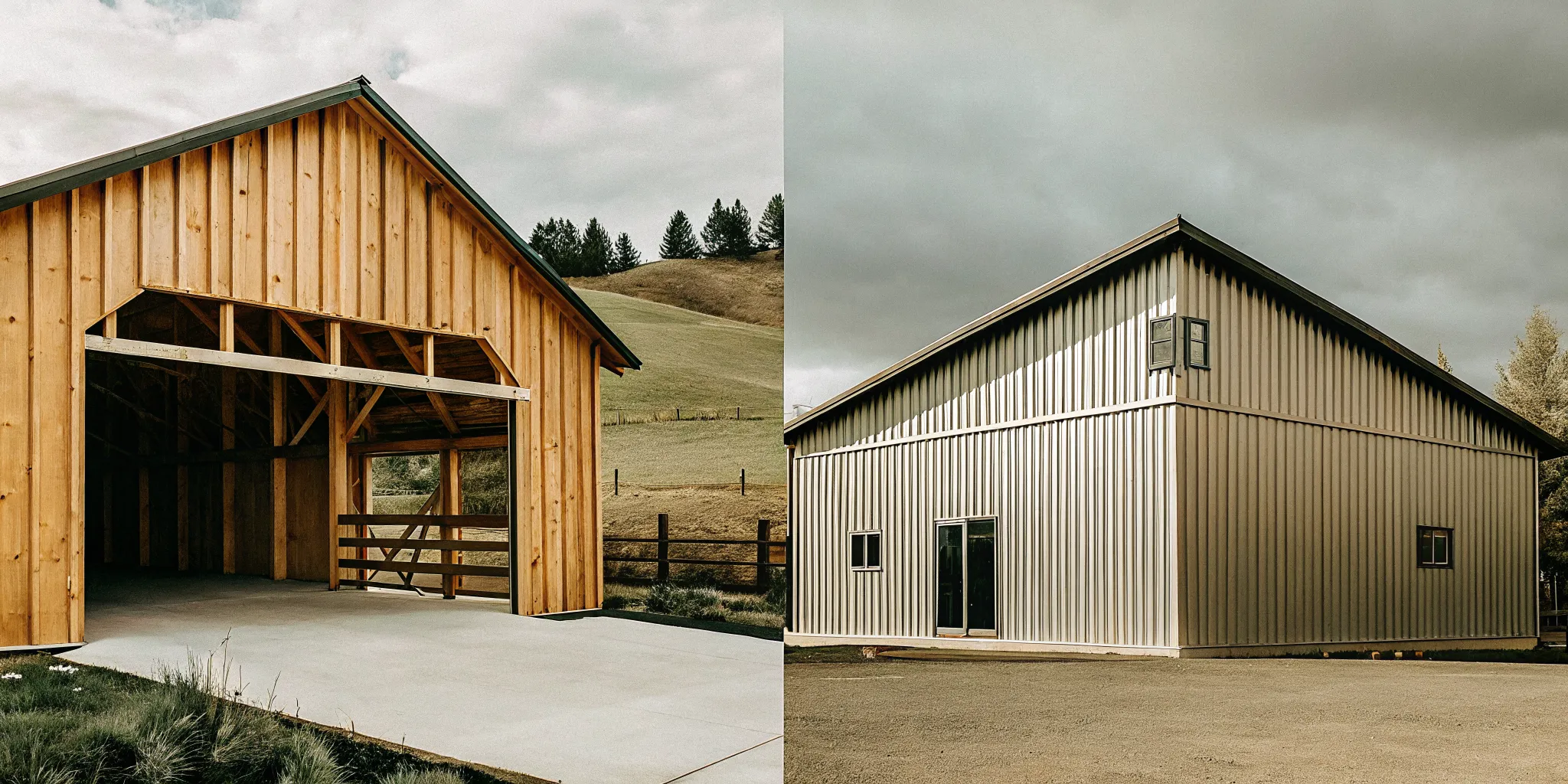
Planning a custom pole building in Oregon or Washington used to require hours of back-and-forth with drawings and phone calls. Since 1981, Locke Buildings has helped property owners across the Pacific Northwest build durable post-frame structures, and modern 3D design technology has transformed how people start that process. Today you can design a pole barn online using Locke’s IdeaRoom 3D Building Designer. A browser-based tool that lets you visualize your building, customize every dimension and finish, and submit for a quote in a single session.
A tool to design a pole barn online is now freely available through Locke Buildings’ IdeaRoom 3D Building Designer. This web-based platform lets Oregon and Washington property owners select building styles, adjust dimensions up to 100 feet clear span. Choose siding and roof colors, place doors and windows, and submit their custom design directly for a material kit or turnkey construction quote. The entire workflow runs in a standard browser with no downloads required.
Design Your Pole Barn Now – Get a Free Quote
Starting with a 3D model helps you catch layout problems before they become expensive change orders. It also gives the Locke team the exact specifications they need to produce an accurate quote. Whether you plan to build yourself with a kit or prefer full turnkey construction, a clear digital model is the most efficient first step. Read our Complete Guide to Post-Frame Construction in Oregon and Washington for the broader context on how post-frame buildings work and what makes them suited to the Pacific Northwest climate.
Why Use a 3D Designer to Plan Your Pole Barn?
A 3D building designer eliminates guesswork by letting you see your pole barn from every angle before construction begins. You can test different sizes, roof styles, and color combinations instantly, catch design conflicts early, and share a visual plan with contractors or family members. This approach reduces costly mid-build changes and gives you confidence in your choices before committing to materials.
Flat drawings do not always communicate the full feel of a building. A 3D tool lets you rotate the model, inspect roof lines from above, and check how door placements affect traffic flow. This spatial understanding is especially valuable for complex buildings like horse barns with stall layouts or workshops with oversized bay doors. When you design a pole barn online, you make decisions based on visual reality rather than imagination. 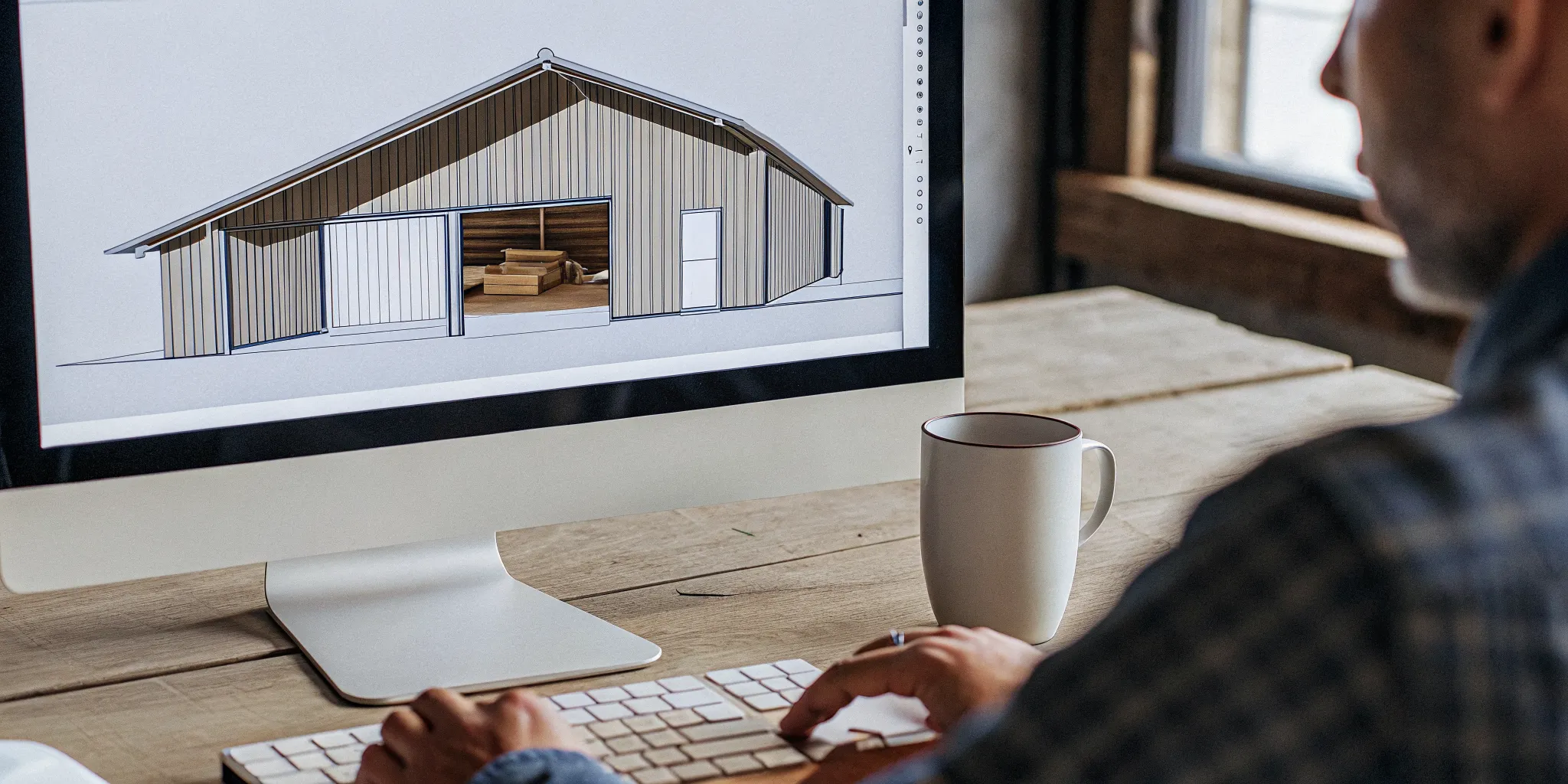
Find Design Flaws Before They Cost You
One of the strongest arguments for 3D design is the ability to detect issues early. If a window interferes with a planned workbench area or a door opens into a support column, you see it on screen rather than discovering it during framing. Moving a digital wall costs nothing. Moving a real wall costs time, materials, and stress. According to South Dakota State University Extension, proper planning and structural design are critical for post-frame buildings to withstand regional wind and snow loads. And a 3D model is the best way to verify that planning upfront.
Test Multiple Configurations Quickly
Most property owners explore at least three different layouts before settling on a final design. A 3D designer makes this exploration fast because you can switch roof pitches, try different siding colors, and add or remove windows with a few clicks. You are not locked into a single concept. You can compare a steep roof for snow shedding against a lower profile that matches your home’s aesthetic, all within the same session. This freedom leads to better decisions because you see the trade-offs visually rather than guessing.
How Does Locke’s IdeaRoom 3D Designer Work?
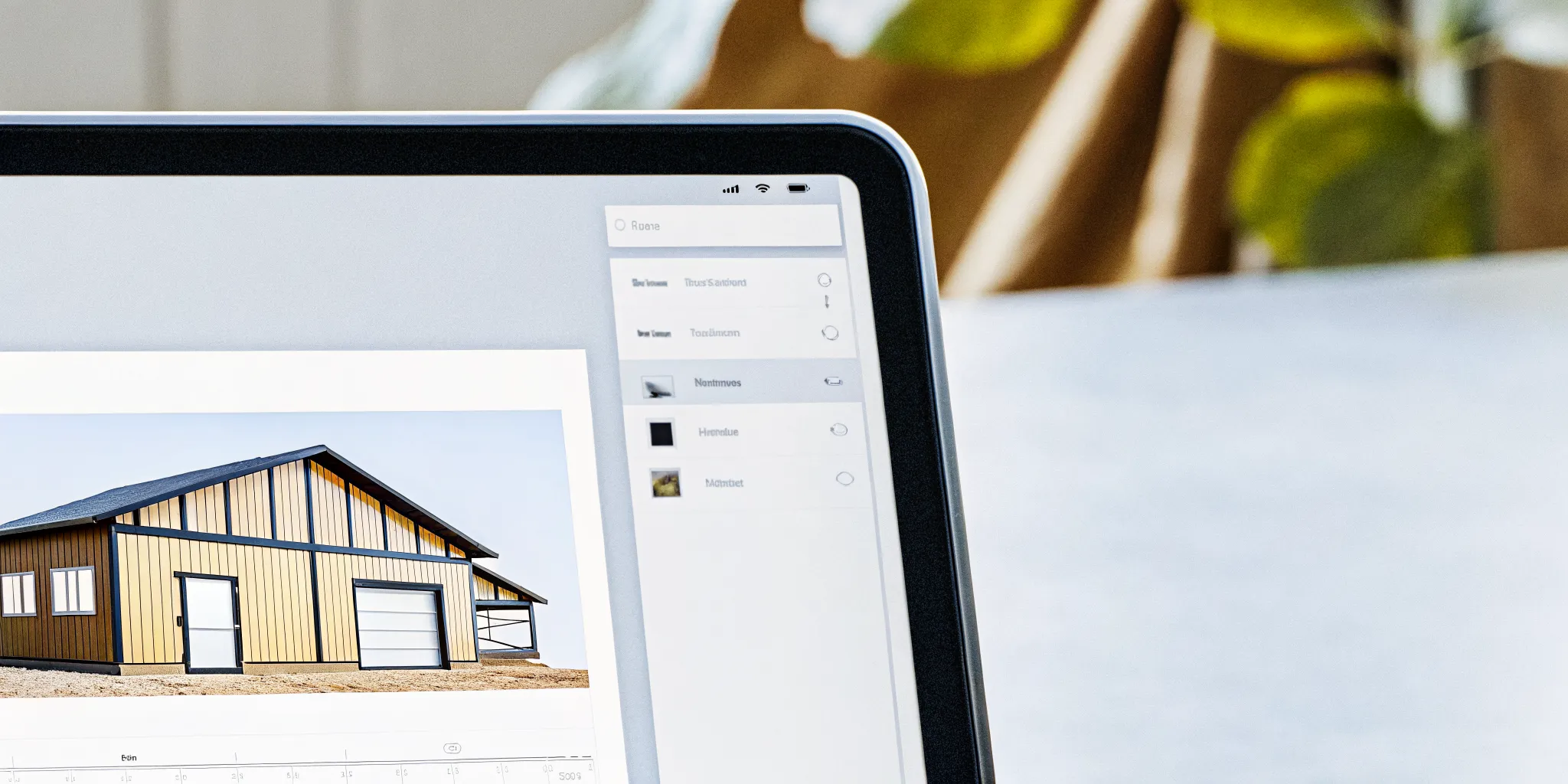
Locke’s IdeaRoom 3D Building Designer runs entirely in your web browser at idearoom.lockebuildings.com. Choose a building style (garage, barn, arena, shop), set dimensions up to 100 feet clear span. Customize features like roof type and siding color, then submit the design for a detailed quote. The tool captures every specification so the Locke team provides accurate pricing for either a DIY kit or full construction.
IdeaRoom is a professional-grade post-frame design platform that Locke Buildings adapted specifically for its customers. It is the same type of visualization tool used by commercial design-build firms, but it is freely accessible to anyone planning a project in Oregon or Washington. The interface presents options in a logical left-to-right flow, making it intuitive even for first-time users.
Select Your Building Style
You start by choosing a building type that matches your project. The tool offers residential garages, agricultural barns, equestrian arenas, commercial shops, and hobby workshops. Each category loads a base model with default dimensions appropriate for that use. A 24×36 garage starts with a different profile than a 40×60 riding arena, but both can be customized extensively once the base model loads.
Set Dimensions and Add Features
Once a style is selected, you adjust the width, length, and eave height to fit your property and needs. Locke Buildings can engineer structures up to a 100-foot clear span, meaning no interior support columns interrupt the floor space. This is a critical advantage for riding arenas, equipment storage, and workshop layouts where open floor area matters. After setting dimensions, you drag and place doors and windows on the walls. The tool supports overhead garage doors, walk-in service doors, slider windows, and barn-style cupolas. Each addition updates the 3D preview in real time so you see how the building changes as you work.
Choose Exterior Finishes
Color and material choices can make or break how a building looks on your property. IdeaRoom offers an extensive palette of siding colors, trim colors, and roof colors from major metal panel manufacturers. You can add a wainscot in a contrasting color at the bottom third of the walls, which adds visual depth and protects against mud splash and equipment bumps. The instant preview means you can audition a half-dozen color schemes in minutes and settle on the combination you actually want.
Submit for a Quote
When the design is complete, the submit button sends your specifications to the Locke Buildings team. Your file includes every dimension, every door and window placement, the selected colors, the roof style, and any special notes. A design specialist reviews the plan for structural feasibility and code compliance, then prepares a quote based on your exact choices. This process ensures the price you receive matches the building you designed, with no surprises.
- Open the IdeaRoom 3D designer in your browser at idearoom.lockebuildings.com.
- Select a building style that matches your project goal.
- Adjust the width, length, and height to fit your property.
- Add doors and windows by dragging them onto wall positions.
- Choose siding and roof colors from the available palette.
- Review your 3D model from all angles to verify the layout.
- Submit your design to receive a custom quote from the Locke team.
What Can You Customize When You Design a Pole Barn Online?
You can customize building dimensions up to 100 feet clear span, roof style and pitch, exterior colors for siding and trim. Wainscot panels, door types and locations, window sizes and placement, cupolas, porches, and interior options for finished spaces. Every change updates the 3D preview instantly so you see the impact of each decision before moving to the next feature.
The IdeaRoom tool puts the full range of post-frame building options under your control. This level of customization is what sets Locke apart from builders that offer fixed-size packages. When you design a pole barn online, you are not choosing from a menu of pre-set plans. You are creating a building tailored to your land, your budget, and your intended use.
Building Dimensions and Roof Style
The structural core of any pole barn is its dimensions and roof configuration. In the designer you set width, length, and eave height independently. Post-frame construction handles wide clear spans efficiently because the laminated columns and trusses distribute loads without intermediate supports. This makes it ideal for agricultural storage, horse arenas, and commercial workshops. You can also choose between gable, monitor, and shed roof profiles. A steeper pitch sheds Pacific Northwest snow more effectively, while a lower slope can blend with residential architecture.
Doors, Windows, and Access
Door placement often defines how usable a building feels. The designer lets you position overhead sectional doors for vehicle access, walk-in service doors for daily entry, and sliding doors for wide equipment openings. Windows can be placed anywhere on the walls to bring in natural light or create cross-ventilation for livestock areas. You are not limited to a fixed number of openings. The tool adjusts the structural framing automatically as you add or move openings. 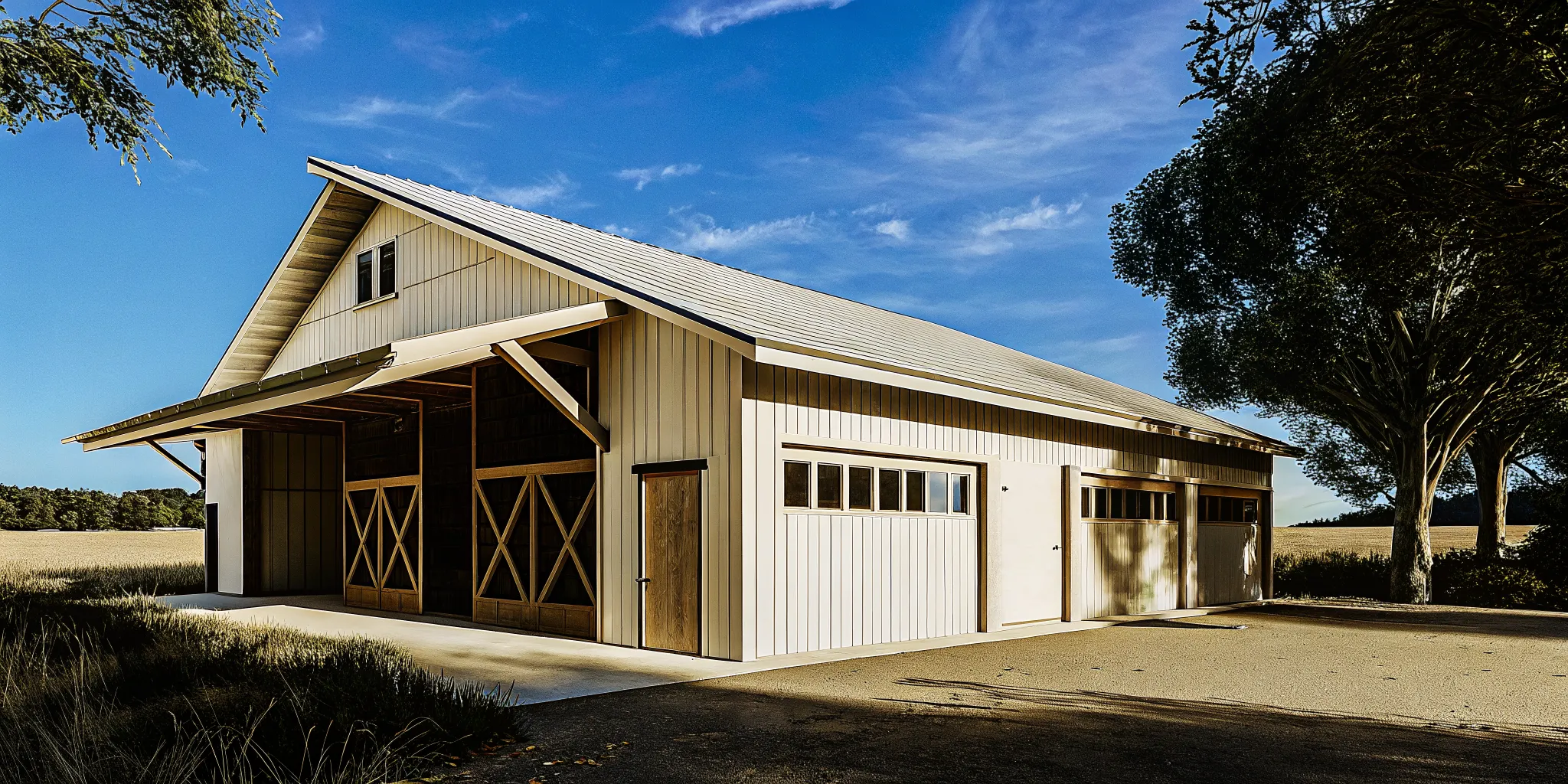
Color and Finish Options
The exterior finish options include dozens of color combinations across siding, trim, roof, and wainscot categories. The visualizer renders these choices accurately so you can see how a bronze roof looks with cream siding before purchasing materials. This is particularly useful for residential barndominium projects where the building needs to complement an existing home. The same color flexibility applies to commercial projects that must meet corporate branding guidelines or HOA requirements.
What Happens After You Submit Your Design?
After submission, a Locke Buildings design specialist reviews your 3D model for structural soundness and local building code compliance. The team then prepares a detailed quote covering either a DIY material kit (delivered anywhere in Oregon and Washington) or full turnkey construction (from Centralia. Washington to Salem, Oregon). The quote reflects the exact dimensions, features, and finishes you selected in the designer.
The transition from digital design to real-world construction is where many planning tools fall short. Most online configurators generate a price but leave you to figure out the rest. Locke’s process integrates the design review with engineering, permitting guidance, and construction planning so your project moves forward smoothly.
Technical Review and Engineering
Every submitted design passes through a technical review that checks load calculations, span ratings, and local code requirements for Oregon and Washington jurisdictions. The engineering team validates that your chosen roof pitch and snow load assumptions match your county’s building department standards. Cornell University’s research on post-frame construction confirms that engineered buildings significantly outperform code-minimum designs in extreme weather events, and this review step ensures your building meets those higher standards.
Choosing Your Build Path
Locke provides two paths for every project. The DIY building kit includes all structural materials, hardware, plans, engineering documents, and installation guides delivered to your site. Kits ship throughout all of Oregon and Washington. The full-service turnkey option covers site preparation, construction, and finishing with Locke’s experienced crew. Full construction services are concentrated from Centralia, Washington down to Salem, Oregon. Locke’s team of 50-plus design-build specialists works across both paths, so your vision is preserved regardless of which build method you choose.
| Feature | DIY Building Kit | Full-Service Turnkey |
|---|---|---|
| What is included | Materials, plans, engineering docs, hardware | Design through final construction, all labor and materials |
| Who builds it | You or your hired contractor | Locke’s construction crew |
| Service area | All of Oregon and Washington | Centralia, WA to Salem, OR |
| Pricing model | Fixed material kit price | Custom quote based on project scope |
View current kit pricing examples on the Locke website to get a general sense of material package costs. Kit prices cover only the delivered materials. Site preparation, concrete foundations, and installation labor are separate expenses for both DIY and turnkey projects.
What Is the Best Way to Prepare for Your Design Session?
Before opening the designer, measure your build site, check local zoning and setback requirements. And list the key features you need such as door sizes, ceiling height, insulation, and electrical. Having these details ready makes the design session faster and ensures your finished plan fits your property’s constraints. A few minutes of site preparation can save hours of redesign later.
Walking your property with a tape measure and a notebook is time well spent. Note the slope of the ground, the proximity of trees or structures, and the direction of prevailing winds. These factors influence where you place doors and how you orient the building for snow drift management and solar exposure. Locke’s design-build specialists can offer guidance on site-specific challenges, but coming prepared with measurements accelerates the process.
Know Your Building’s Purpose
A workshop for restoring classic cars has different requirements than a hay storage barn or a horse boarding facility. Before you design a pole barn online, list the non-negotiable features: ceiling height for a lift. Insulated walls for year-round use, oversized doors for an RV, or partitioned stalls for livestock. The 3D designer makes it easy to add these features, but knowing what you want beforehand helps you move through the options efficiently.
Check Local Permit Requirements
Oregon and Washington counties each have their own building codes, permit fees, and setback rules. Some counties require engineered foundation plans for post-frame buildings, while others accept standard truss layouts. Locke’s team can help identify the relevant requirements for your site, but reviewing your county’s building department website beforehand gives you a head start. This building permit guide outlines the common requirements for post-frame construction across the region.
Frequently Asked Questions
Is the IdeaRoom 3D designer free to use?
Yes, the IdeaRoom 3D Building Designer is free and requires no account or payment to use. You can design a pole barn online, experiment with different sizes and colors, and explore multiple layout options without any cost. A quote is only generated when you choose to submit your completed design for pricing.
Do I need to download software to use the designer?
No downloads or installations are needed. The designer runs entirely in a standard web browser on desktop or laptop computers. Modern desktop browsers provide full functionality with no plug-ins required.
Can I save my design and come back to it later?
Yes, the designer allows you to save your work and return to it on the same device. If you want to share a design with family members or a contractor before submitting, you can review the model together and make adjustments before requesting a quote.
How long does it take to get a quote after submitting?
Most quote requests are reviewed within a few business days. The Locke team checks the design for structural feasibility, confirms material availability, and prepares a detailed price breakdown for your chosen build path. Complex projects with custom engineering may take slightly longer.
What if I need help using the 3D designer?
Locke Buildings provides support for customers using the IdeaRoom tool. If you get stuck on a feature or are unsure about a design choice, you can reach out to the Locke team for guidance. The designer is built to be intuitive, but the team is available to answer questions about dimensions, materials, or the quote process.
Ready to Design Your Pole Barn Online?
Delaying your design means missing the current construction season window in the Pacific Northwest. Starting now gives you time to refine your plan, lock in material pricing, and schedule construction during favorable weather. The IdeaRoom 3D Building Designer puts the full capability of a professional design studio at your fingertips, free and accessible from any browser.